> ## Documentation Index
> Fetch the complete documentation index at: https://togetherai-migration.mintlify.site/llms.txt
> Use this file to discover all available pages before exploring further.
# Deploy Dedicated Endpoints In The Web
> Deploy your own GPUs
With Together AI, you can create on-demand dedicated endpoints with the following advantages:
* Consistent, predictable performance, unaffected by other users' load in our serverless environment
* No rate limits, with a high maximum load capacity
* More cost-effective under high utilization
* Access to a broader selection of models
## Creating an on demand dedicated endpoint
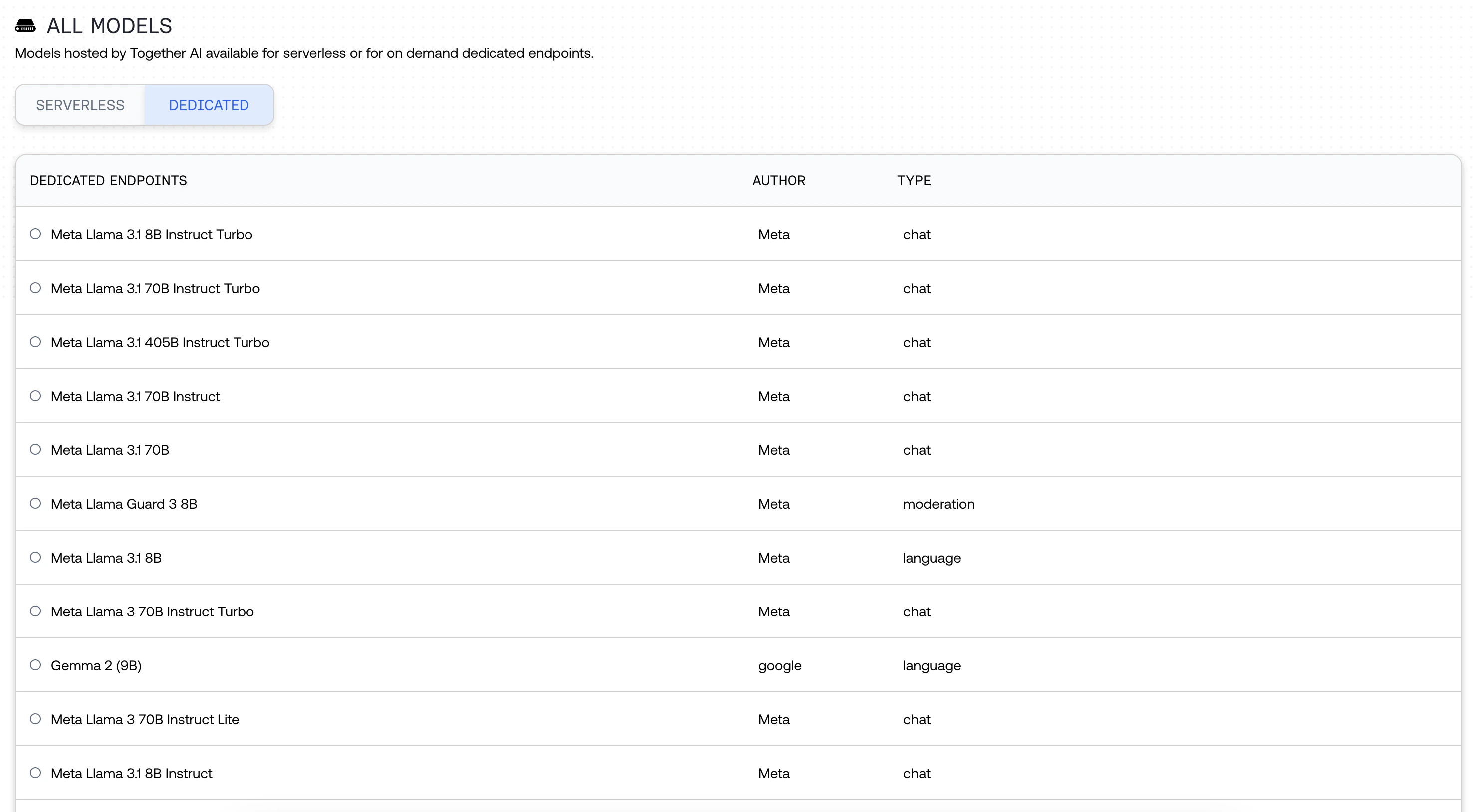
Navigate to the [Models page](https://api.together.xyz/models) in our playground. Under "All models" click "Dedicated." Search across 179 available models.
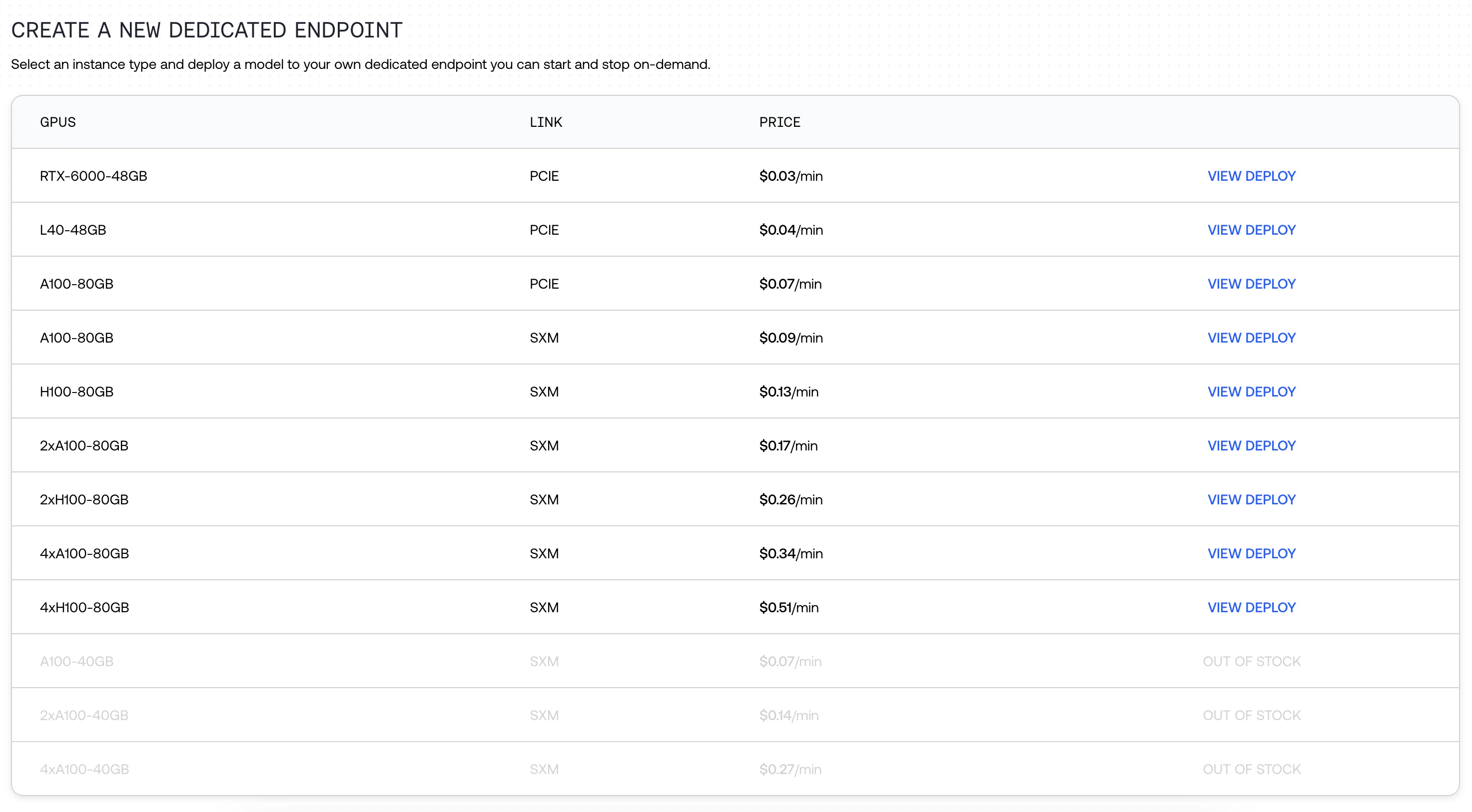
 Select your hardware. We have multiple hardware options available, all with varying prices (e.g. RTX-6000, L40, A100 SXM, A100 PCIe, and H100).
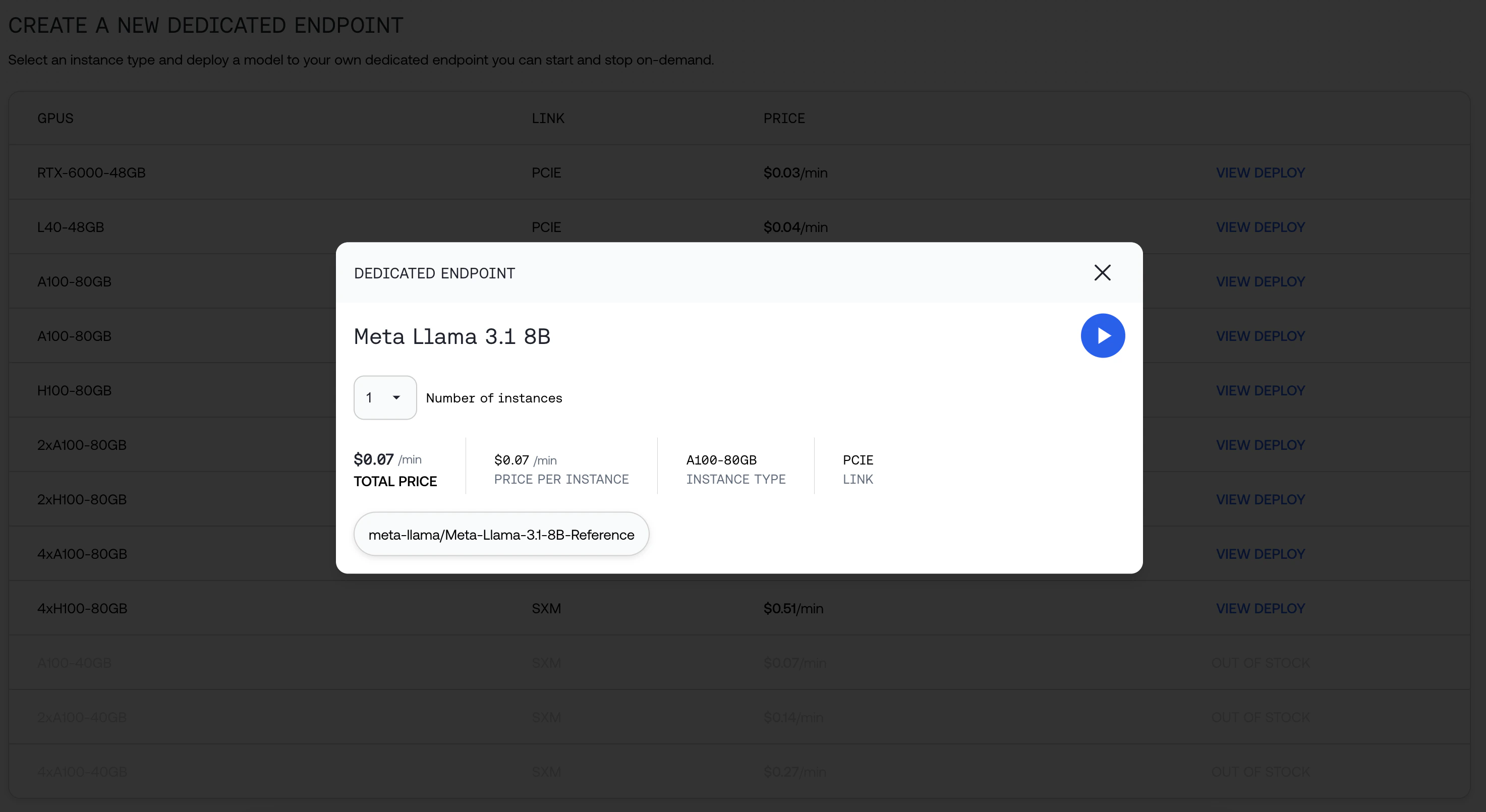
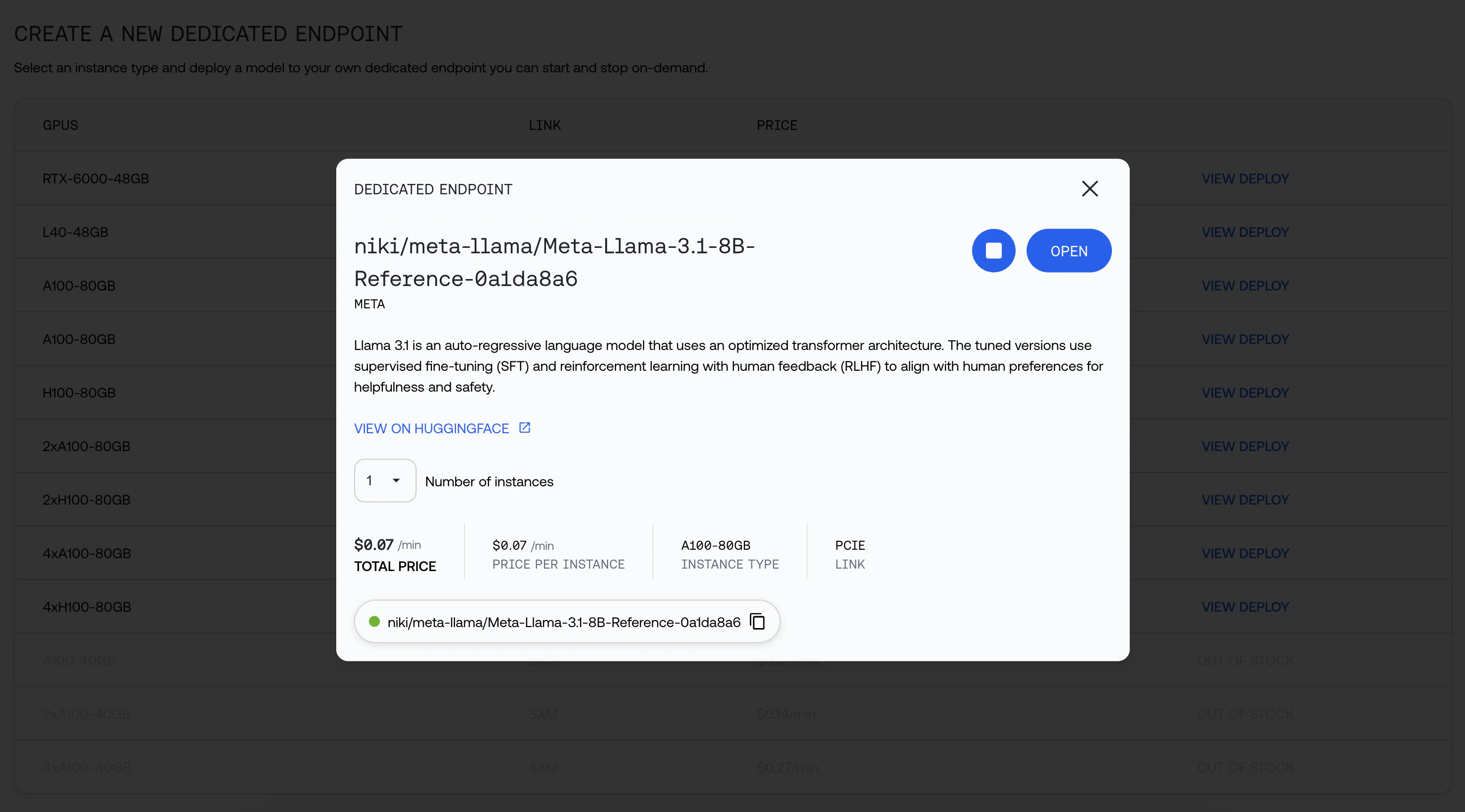
 Click the Play button, and wait up to 10 minutes for the endpoint to be deployed.
 We will provide you the string you can use to call the model, as well as additional information about your deployment.
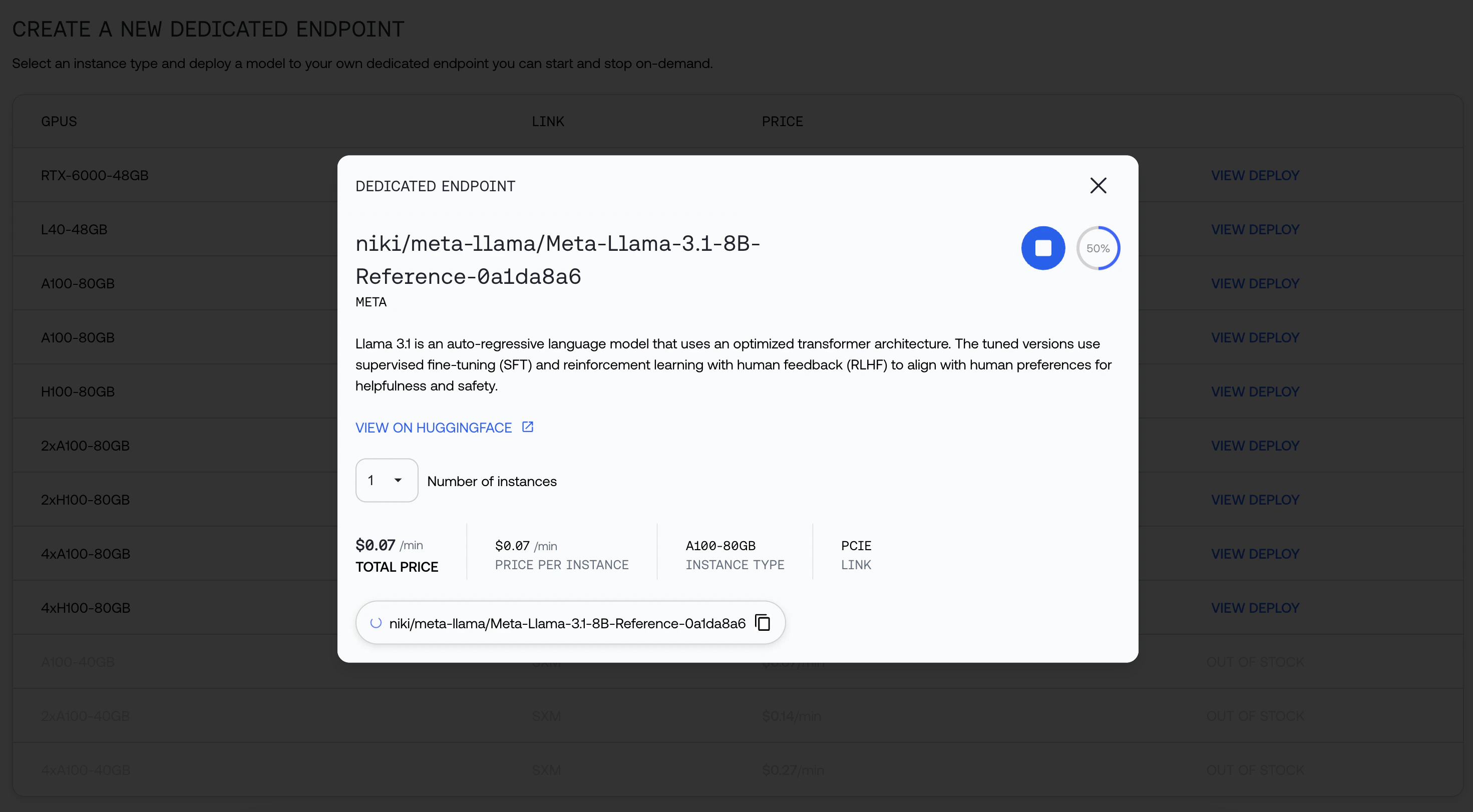 You can navigate away while your model is being deployed. Click open when it's ready:
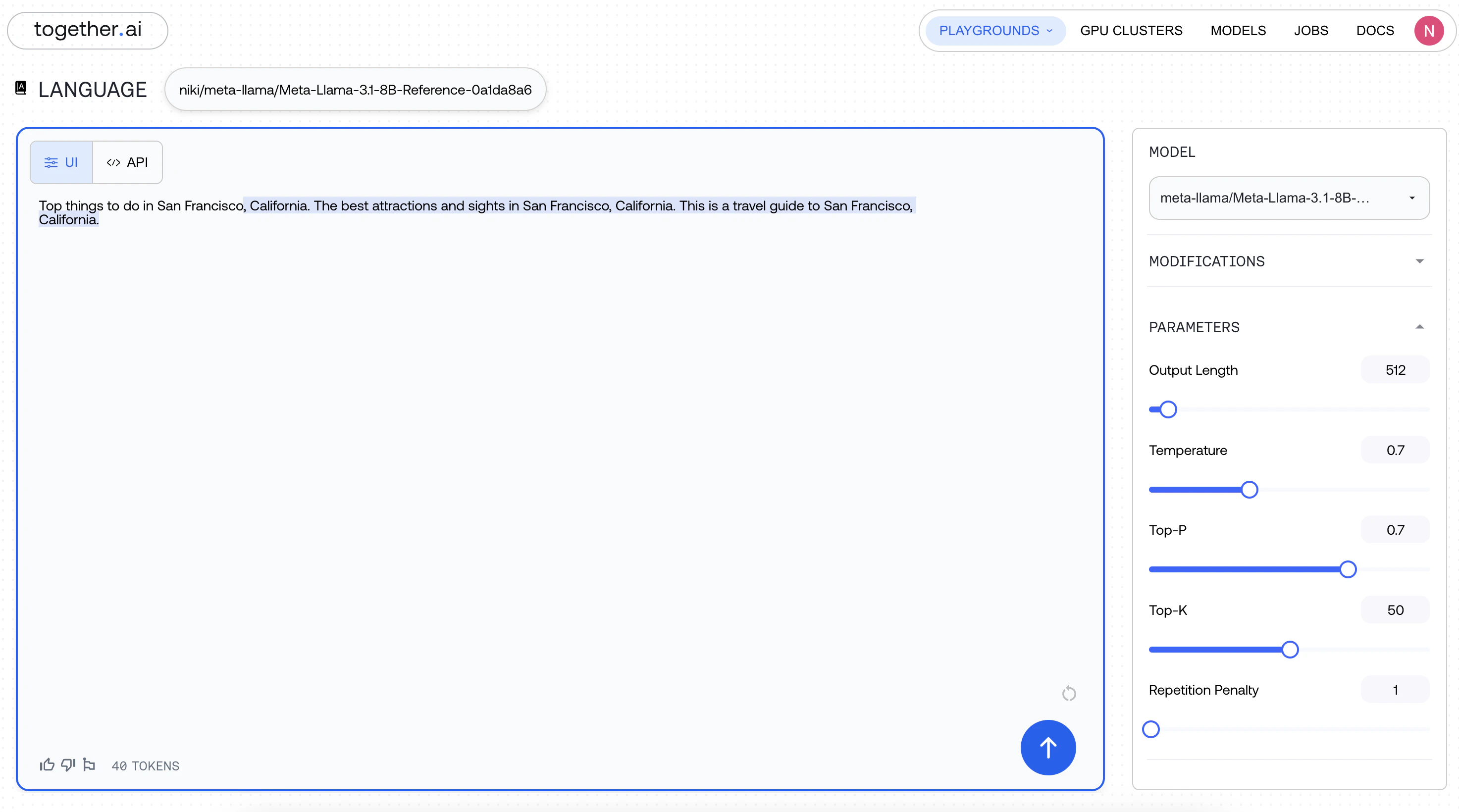
 Start using your endpoint!
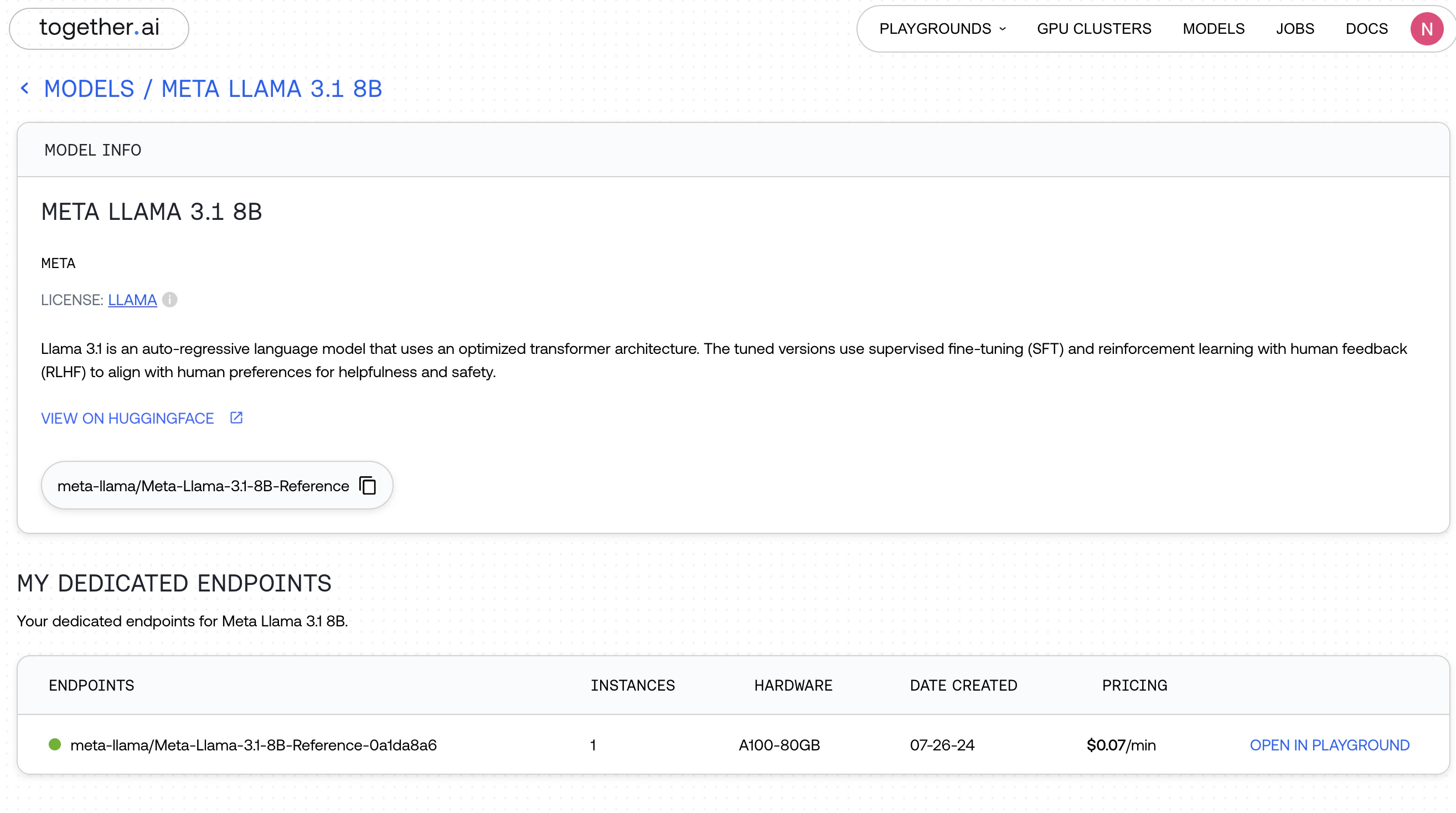
 You can now find your endpoint in the My Models Page, and upon clicking the Model, under "Endpoints"

 **Looking for custom configurations?** [Contact us.](https://www.together.ai/forms/monthly-reserved)