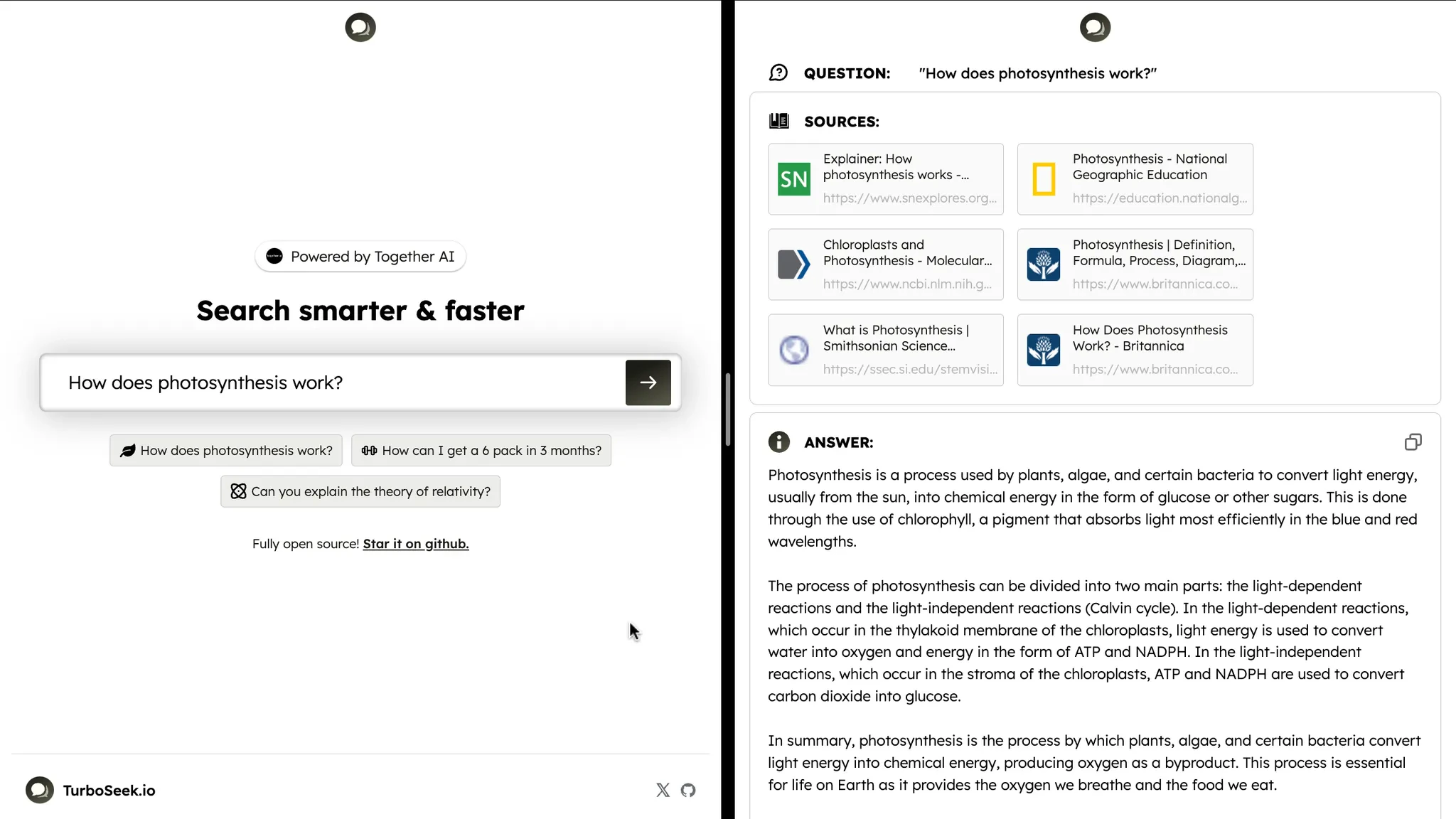
TurboSeek is an app that answers questions using Together AI’s open-source LLMs. It pulls multiple sources from the web using Bing’s API, then summarizes them to present a single answer to the user.
In this post, you’ll learn how to build the core parts of TurboSeek. The app is open-source and built with Next.js and Tailwind, but Together’s API can be used with any language or framework.

Building the input prompt

TurboSeek’s core interaction is a text field where the user can enter a question:
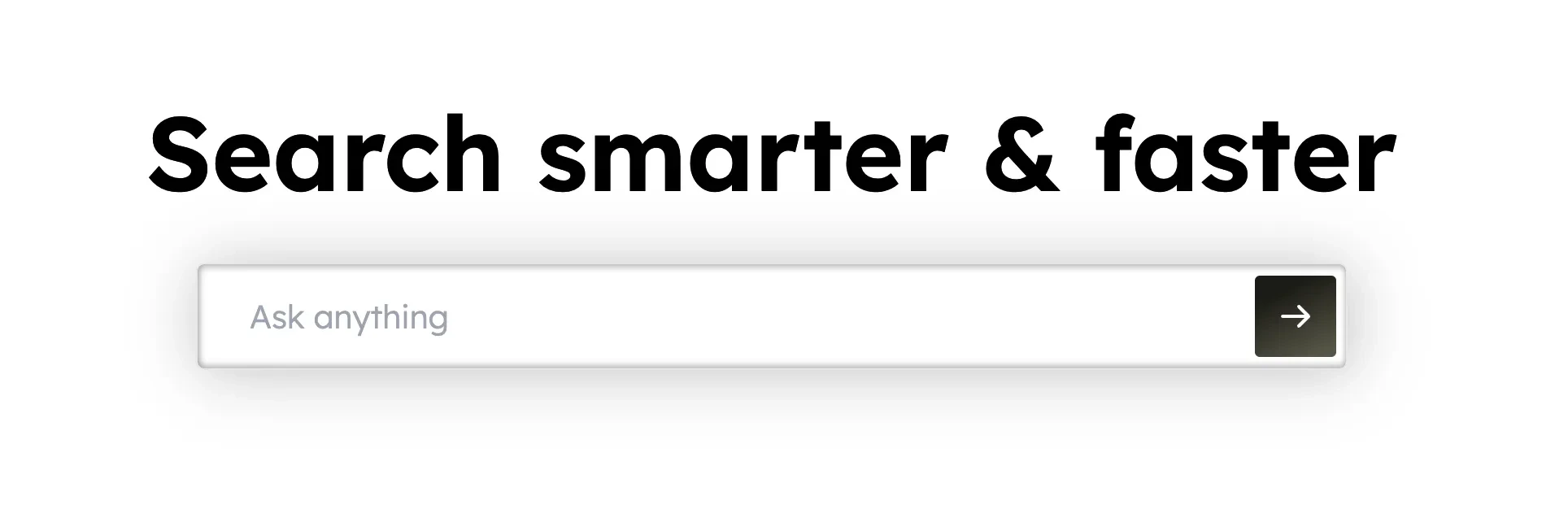
In our page, we’ll render an <input> and control it using some new React state:
JSX
When the user submits our form, we need to do two things:
  1. Use the Bing API to fetch sources from the web, and
  2. Pass the text from the sources to an LLM to summarize and generate an answer
Let’s start by fetching the sources. We’ll wire up a submit handler to our form that makes a POST request to a new endpoint, /getSources :
JSX
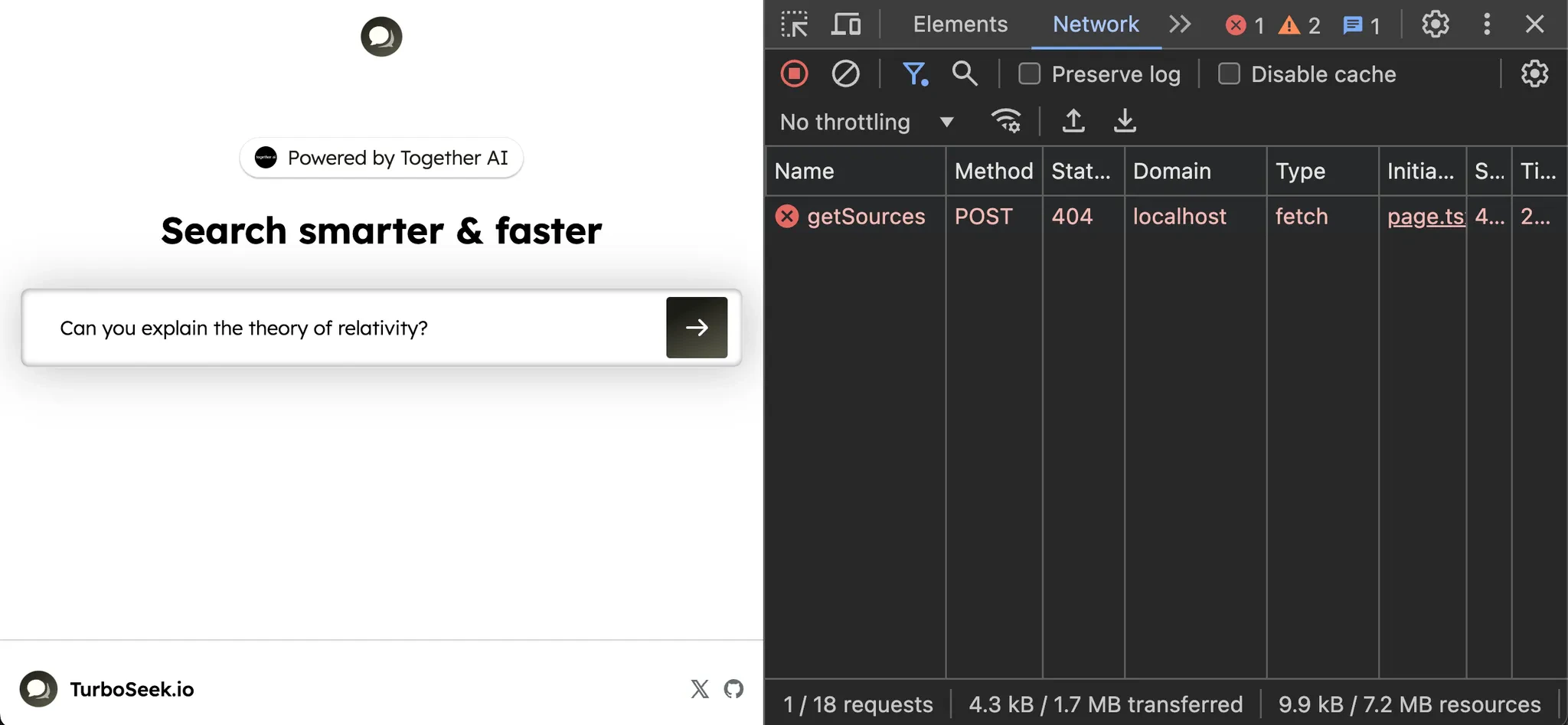
If we submit the form, we see our React app makes a request to /getSources :
Our frontend is ready! Let’s add an API route to get the sources.

Getting web sources with Bing

To create our API route, we’ll make a newapp/api/getSources/route.jsfile:
JSX
We’re ready to send our question to Bing to return back six sources from the web. The Bing API lets you make a fetch request to get back search results, so we’ll use it to build up our list of sources:
JSX
In order to make a request to Bing’s API, you’ll need to get an API key from Microsoft. Once you have it, set it in .env.local:
JSX
and our API handler should work. Let’s try it out from our React app! We’ll log the sources in our event handler:
JSX
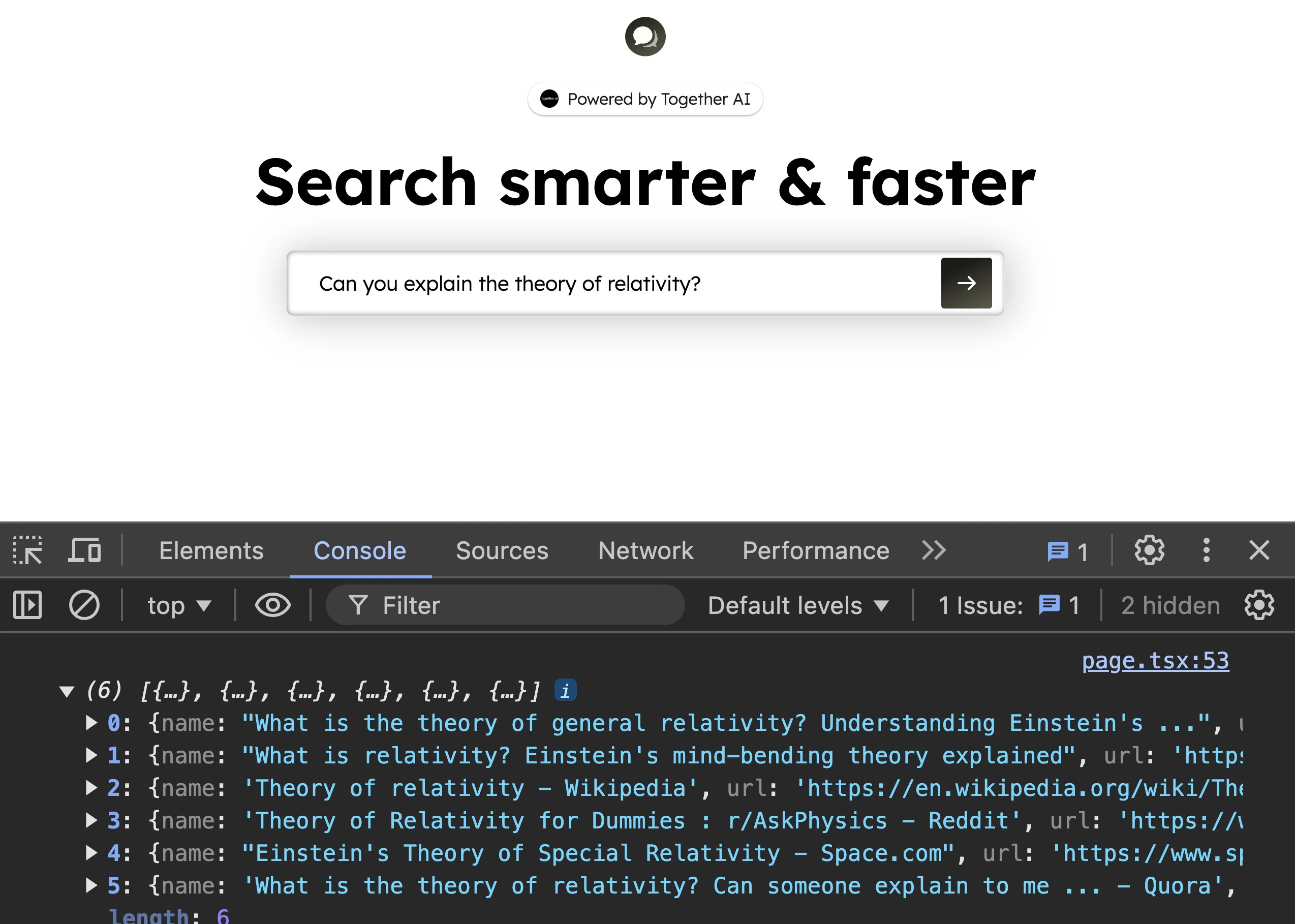
and if we try submitting a question, we’ll see an array of pages logged in the console!
Let’s create some new React state to store the responses and display them in our UI:
JSX
If we try it out, our app is working great so far! We’re taking the user’s question, fetching six relevant web sources from Bing, and displaying them in our UI. Next, let’s work on summarizing the sources.

Fetching the content from each source

Now that our React app has the sources, we can send them to a second endpoint where we’ll use Together to scrape and summarize them into our final answer. Let’s add that second request to a new endpoint we’ll call /api/getAnswer, passing along the question and sources in the request body:
JSX
If we submit a new question, we’ll see our React app make a second request to /api/getAnswer. Let’s create the second route! Make a newapp/api/getAnswer/route.jsfile:
JSX
Now that we have the data, we need to:
  1. Get the text from the URL of each source
  2. Pass all text to Together and ask for a summary
Let’s start with #1. To scrape a webpage’s text from our API route, we’ll take this general approach:
JSX
Let’s implement this new function. We’ll start by installing the jsdom and @mozilla/readability libraries:
JSX
Next, let’s implement the steps:
JSX
Let’s try it out! We’ll run our first source through our new getTextFromURL function:
JSX
If we submit our form again, we’ll see the text show up in our server terminal from the first page! Let’sget the text from all six sources. Since each source is independent, we can use Promise.all to kick off our functions in parallel:
JSX
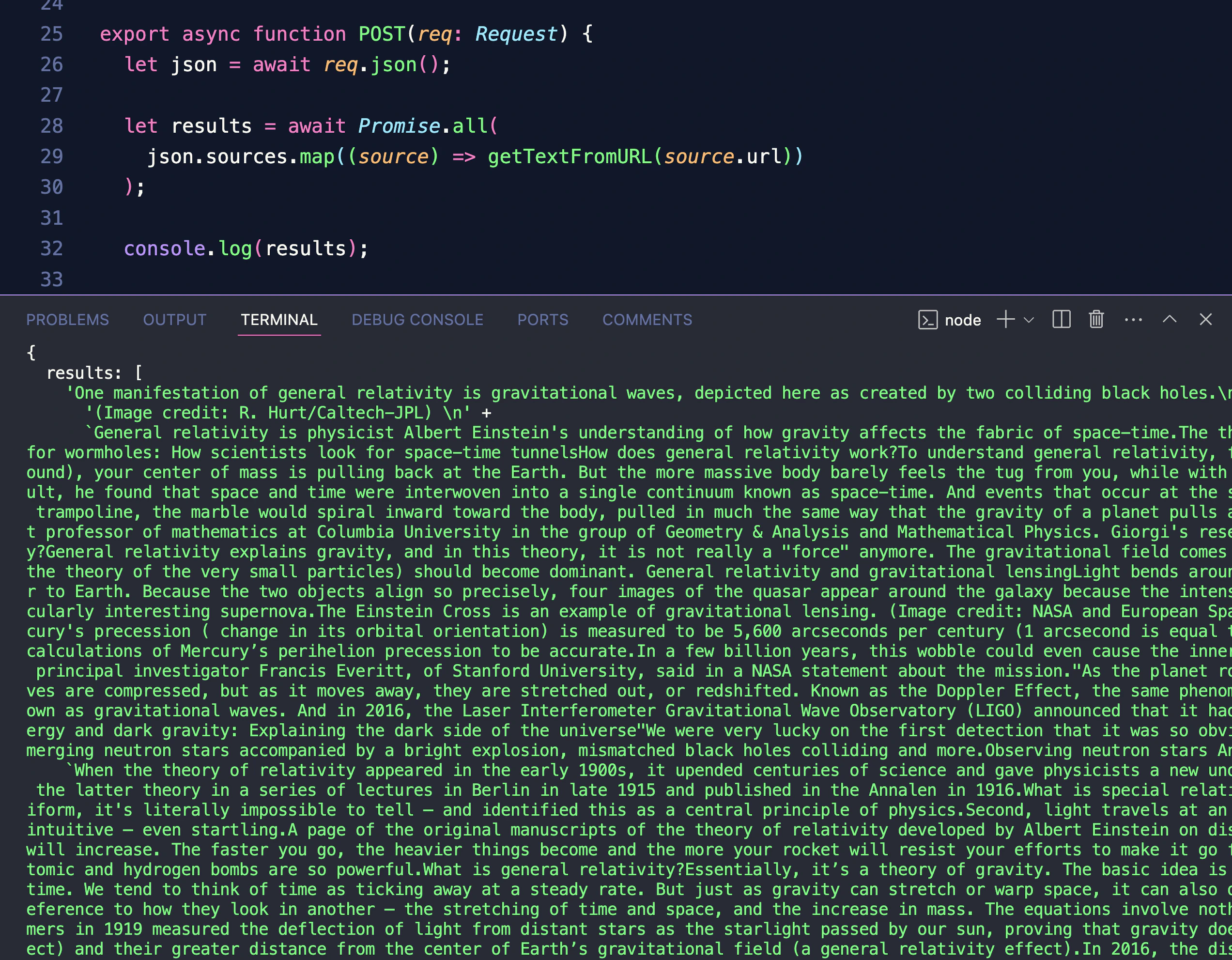
If we try again, we’ll now see an array of each web page’s text logged to the console:
We’re ready to pass the source text along to Together to get our final answer!

Summarizing the sources

Now that we have the text content from each source, we can pass it along with a prompt to Together to get a final answer. Let’s install Together’s node SDK:
JSX
and use it to query Llama 3.1 8B Turbo:
JSX
Now we’re read to read it in our React app!

Displaying the answer in the UI

Back in our page, let’s create some new React state called answer to store the text from our LLM:
JSX
We can use the ChatCompletionStream helper from Together’s SDK to read the stream and update our answer state with each new chunk:
JSX
Our new React state is ready! Let’s update our UI to display it:
JSX
If we try submitting a question, we’ll see the sources come in, and once our getAnswer endpoint responds with the first chunk, we’ll see the answer text start streaming into our UI! The core features of our app are working great.

Digging deeper

We’ve built out the main flow of our app using just two endpoints: one that blocks on an API request to Bing, and one that returns a stream using Together’s Node SDK. React and Next.js were a great fit for this app, giving us all the tools and flexibility we needed to make a complete full-stack web app with secure server-side logic and reactive client-side updates. TurboSeek is fully open-source and has even more features like suggesting similar questions, so if you want to keep working on the code from this tutorial, be sure to check it out on GitHub: https://github.com/Nutlope/turboseek/ And if you’re ready to add streaming LLM features like the chat completions we saw above to your own apps, sign up for Together AI today, get $5 for free to start out, and make your first query in minutes!