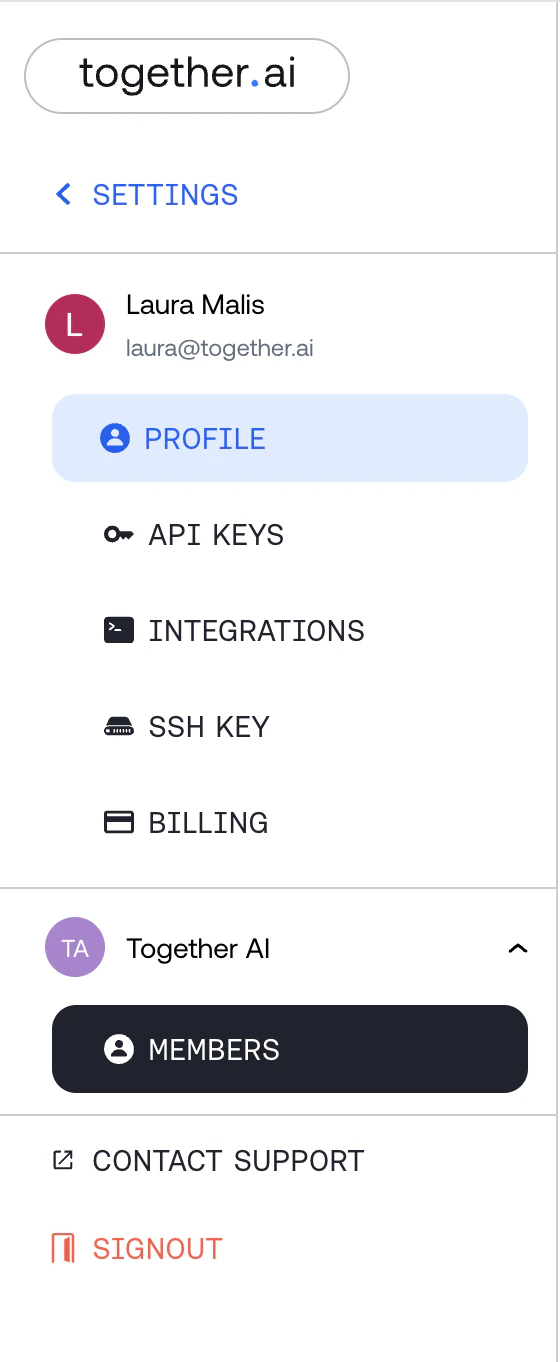
Prior to adding any user to your cluster, please make sure the user has created an account and added an SSH key in the Together Playground. Users can add an SSH key here. For more information, please see Quickstart.To add users to your cluster, please follow these steps:Log in to your Together AI account. In the circle in the right hand corner, click into your avatar and select “Settings” from the drop down menu.
On the left hand side, select Members.
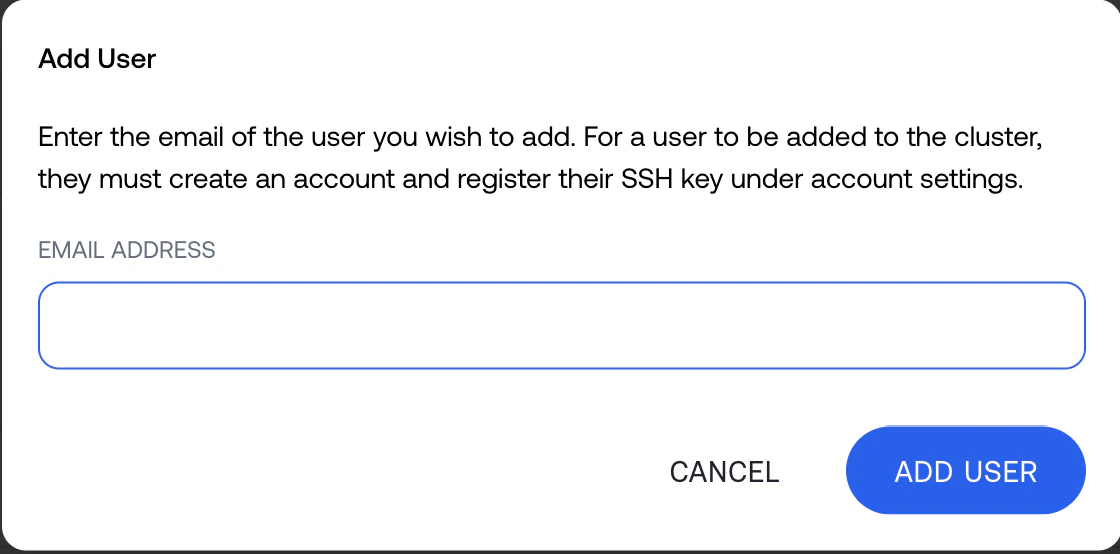
At the top of Members, select “Add User”.
A popup will appear. In this popup, please enter the email of the user.
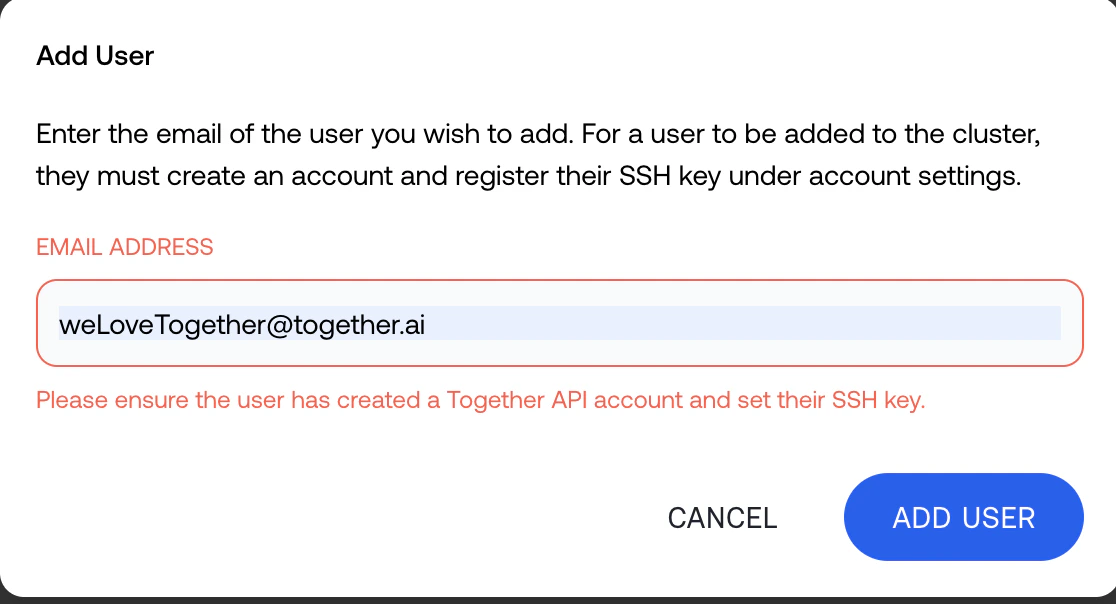
If the user does not have an Playground account or SSH key, you will see an error indicating that the user cannot be added.
Once you click add user, the user will appear in the grid.
To remove this user, press the 3 dots on the right side and select “Remove user”.
Assistant
Responses are generated using AI and may contain mistakes.