

Accessing the portal
To access your portal, first navigate and login to api.together.ai and click on “Help Center”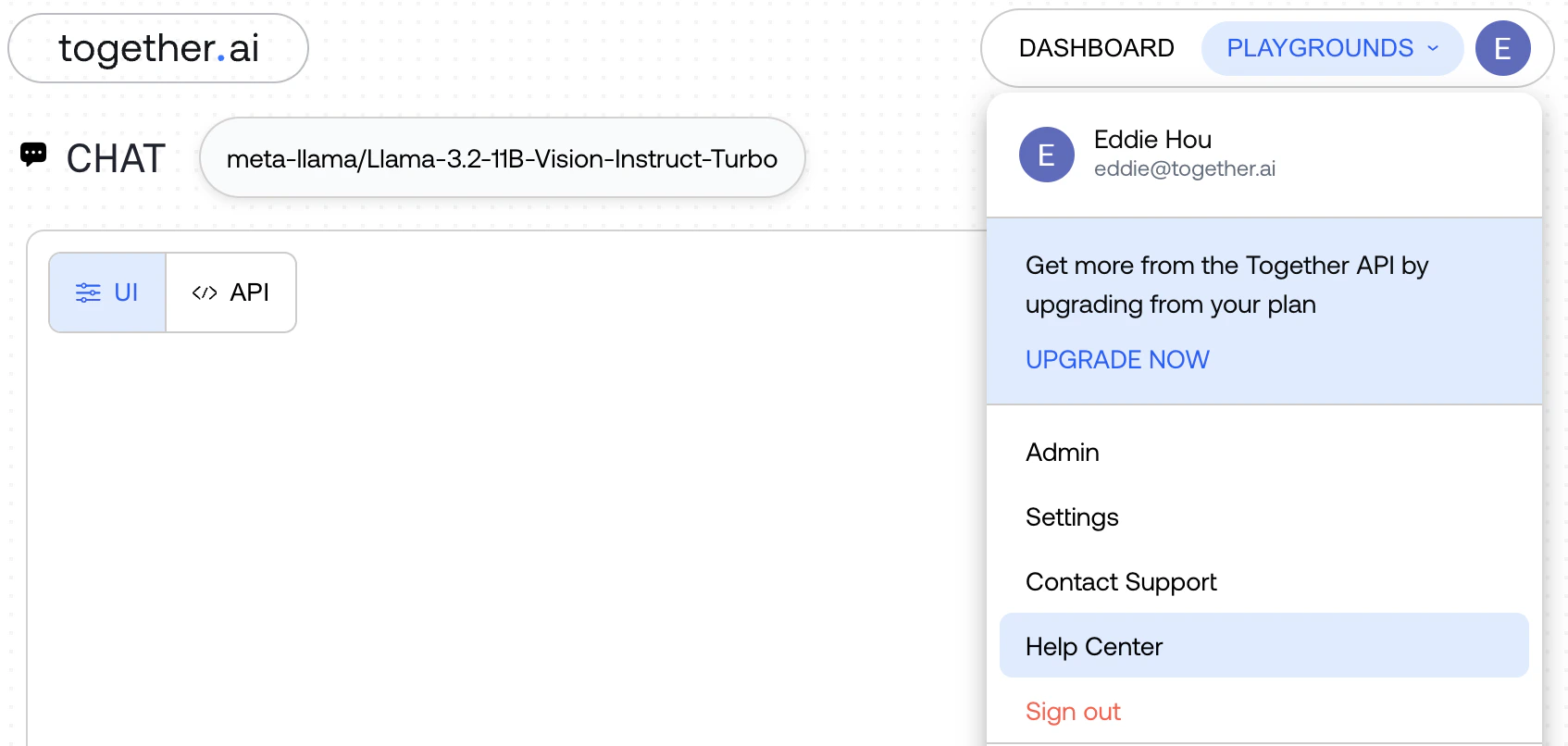
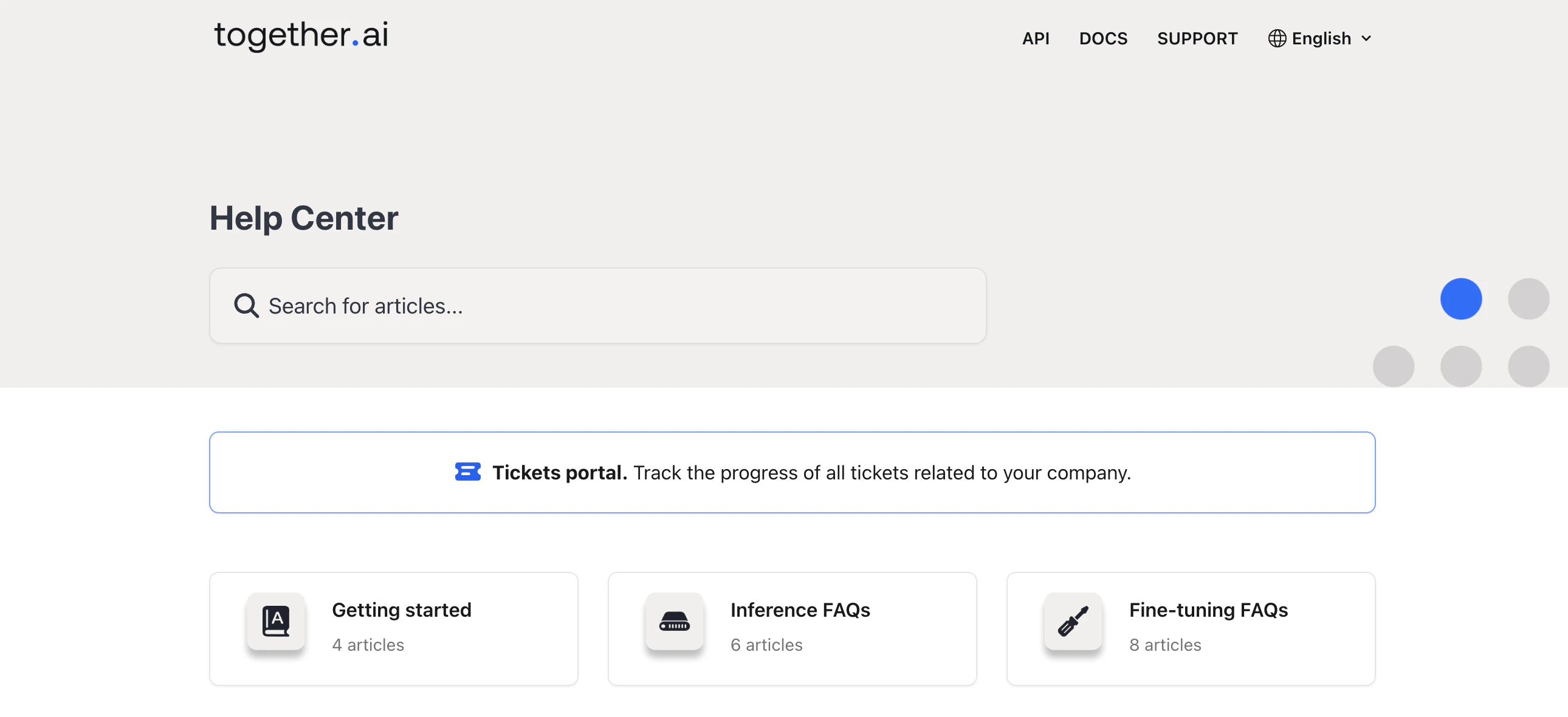
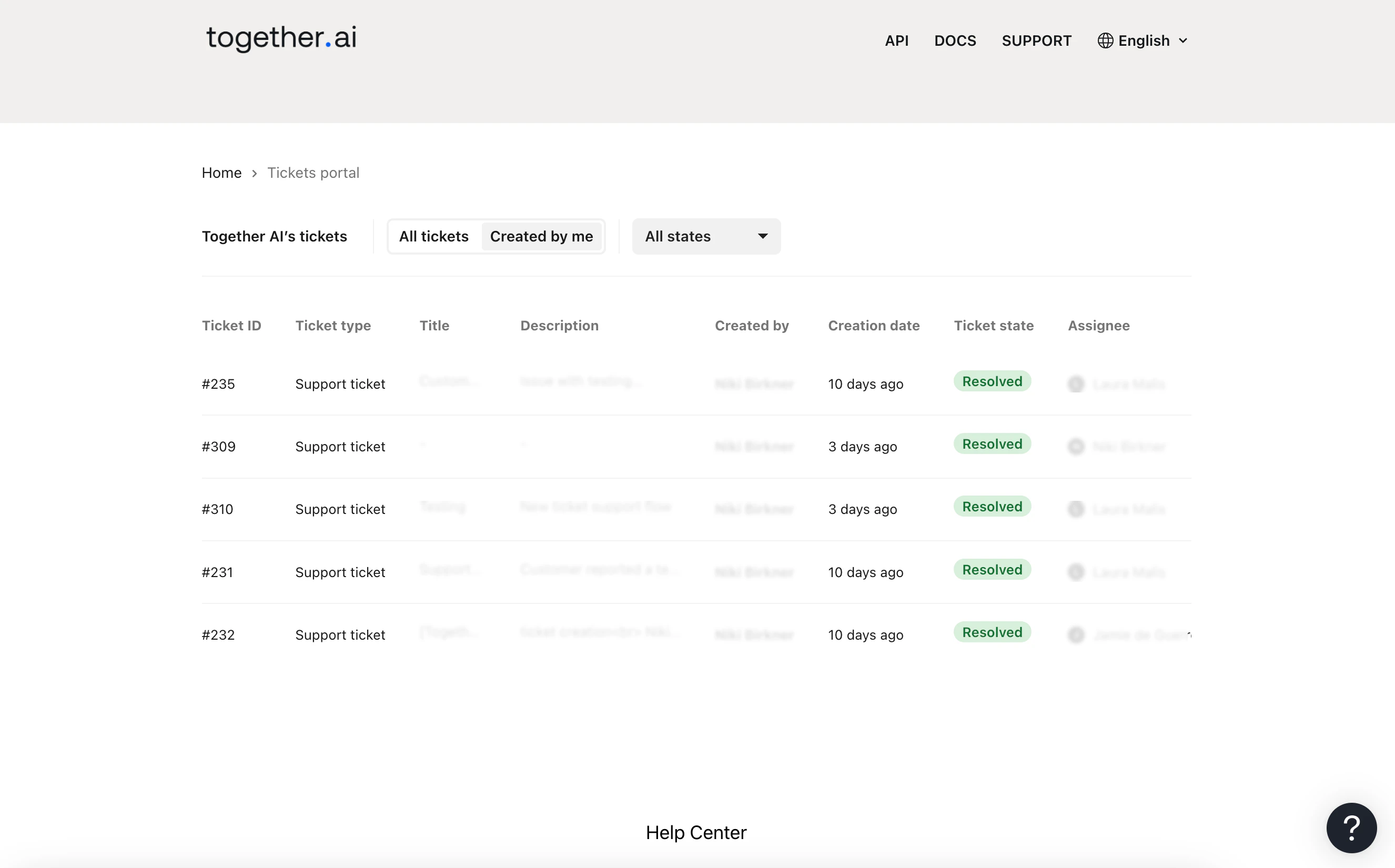
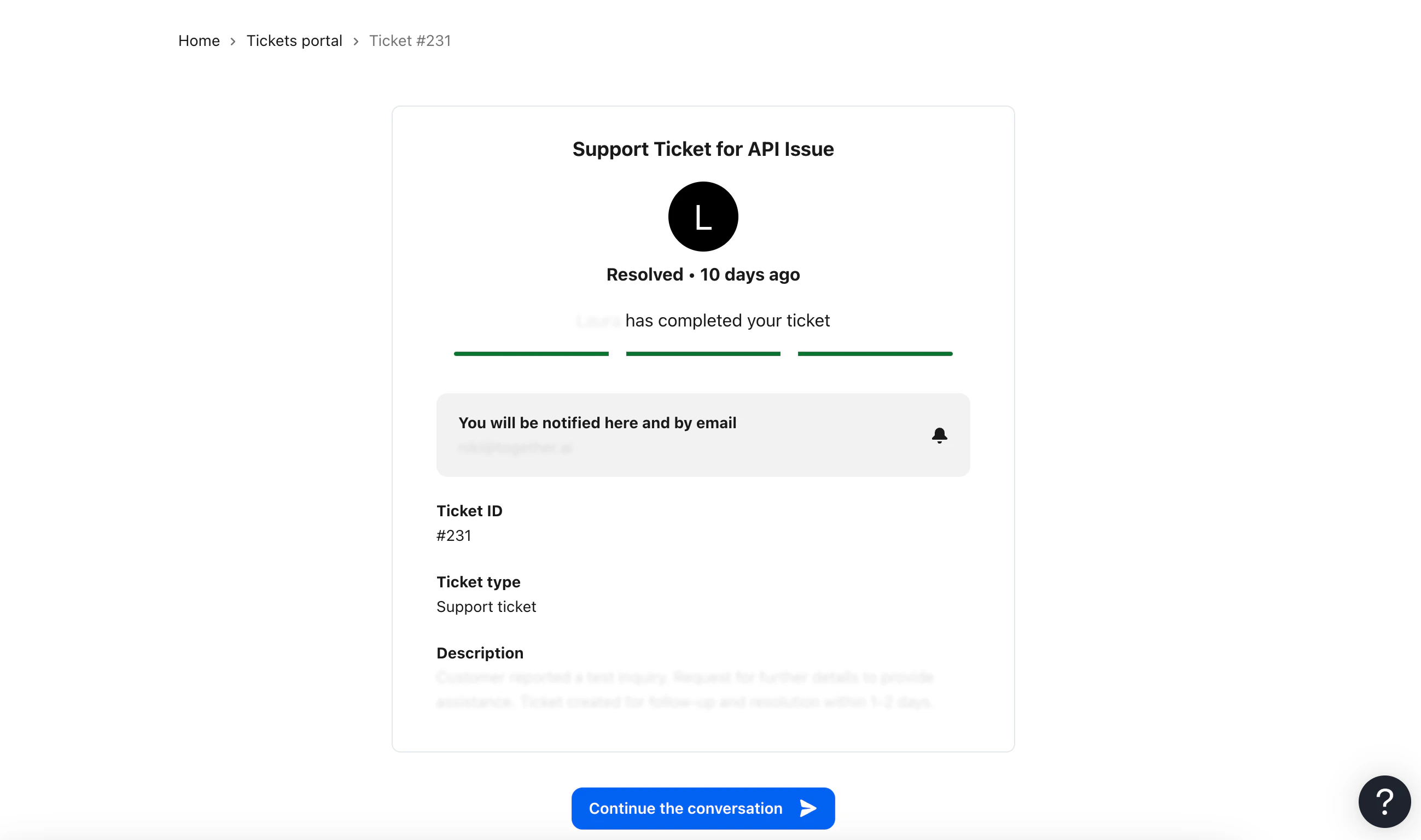
FAQs
I can’t find the ticket portal in the help center, what should I do?
- Ensure you are authenticated by visiting api.together.ai before navigating to the help center.
- If the portal is still not visible, it might not be set up for you yet. Please contact us at support@together.ai. Please note that the portal is only available to customers of GPU clusters or monthly reserved dedicated endpoints.
The ticket I filed is not showing up in the portal, what should I do?
- It may take up to 5 minutes for your ticket to appear in the portal.
- If the ticket is still not visible after 5 minutes, please contact us at support@together.ai, and we will investigate.